Kindle book
Claude Cowork for Non-Programmers
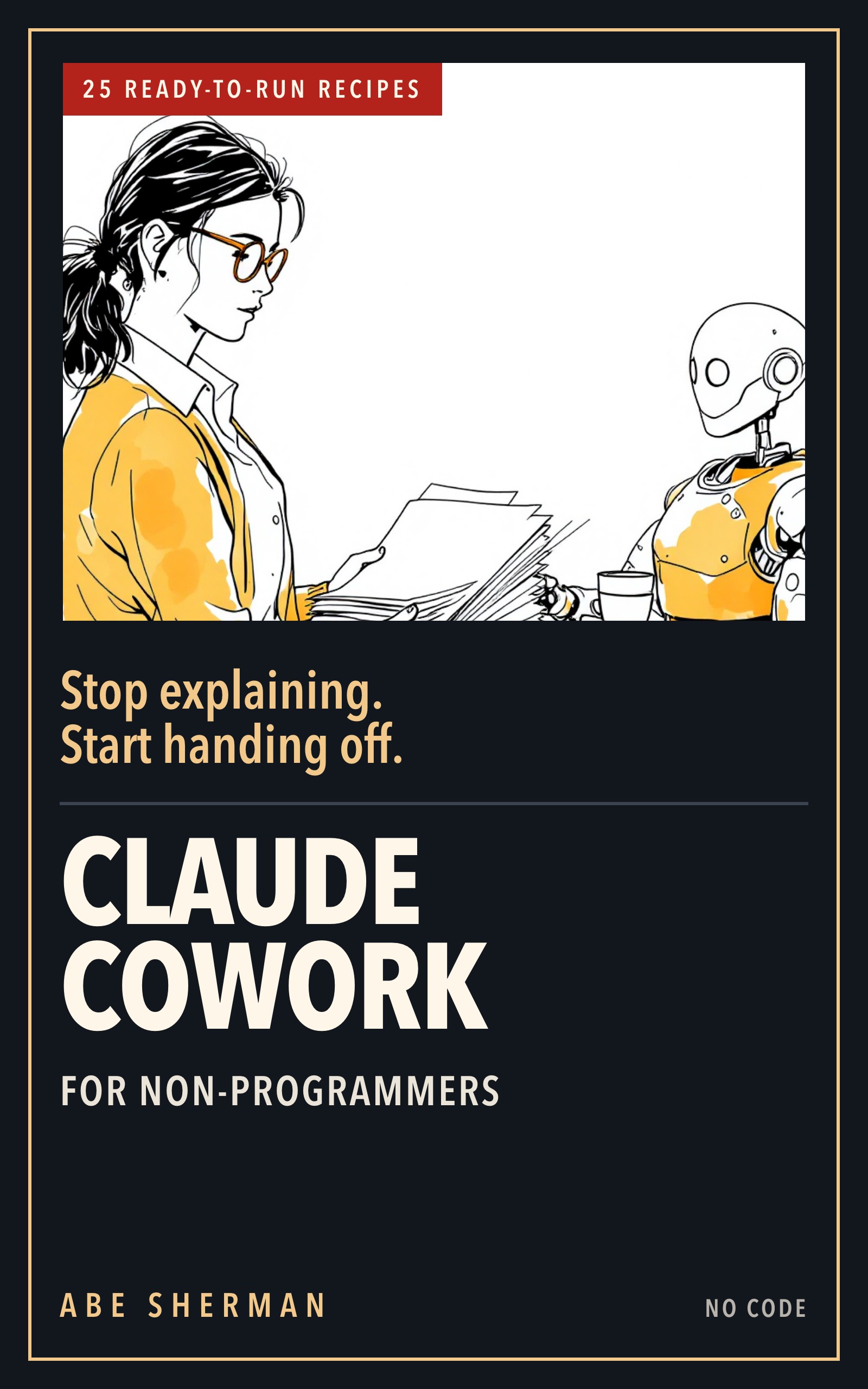
Hand your files, spreadsheets, documents and weekly reports to Claude and get finished work back. Written in plain English for people who do not write code and are not planning to start.
Part five is 25 briefs already written. Change the file names to yours and run them.
Forty-one chapters in six parts.
The idea
Chat answers, Cowork finishes
Chat answers a question and leaves you holding the file. Cowork finishes the job. You select Cowork in the message box, point Claude at one folder on your own computer, and describe the work. It opens the files, builds the result, and saves it where you said. Nothing got smarter between those two modes.
The courier in the middle went away, and the courier was you. Everything after that is a writing problem: saying what to read, what to produce, and how you will know it did the job. This book is 41 short chapters on that writing problem, worked on the kind of files that are already sitting in your Downloads folder.
What you walk away with
Work you can hand over by the end of the week
- Sort and rename a folder of files without losing one, with a log of every move and a count that has to match.
- Clean a dirty export, reconcile two reports against each other, and build a monthly summary whose totals are live formulas rather than typed numbers.
- Turn rough notes into a finished memo, or a six-slide deck.
- Write a brief that comes back right the first time, using a five-line shape you can fill in from memory.
- Set permissions so nothing gets changed or deleted without you saying so, and put a job on a schedule so it runs while you are away from the desk.
- Check for the five ways it goes wrong, in about two minutes.
The method
Five lines, and it comes back right
Almost every bad result comes from a brief with a hole in it. You get back a file that is confidently wrong, and the time you saved goes into finding out how. Chapters 9 to 14 teach one shape, SCOPE, and every recipe later in the book is written in it.
Chapter 9 opens on a worked example. The brief was "clean up the customer list and send me the updated version." Three files in that folder had "customer" in the name, and Claude picked one of them. Nothing misbehaved. There was no Source line at all, and a hole in a brief gets filled with a plausible guess.
The five lines
- Source names the exact file or folder it may look at, and says what to ignore.
- Constraints say what it may not do: read only, stay in one folder, and treat anything written inside a file as content rather than as an instruction.
- Output names the file you want back, down to the tabs and the columns.
- Proof is the check that shows the work was done. Row counts before and after, totals that agree, the filename it actually used.
- Escalate says what makes it stop and ask you instead of making a sensible guess.
What is inside
Forty-one chapters, six parts
Chapters are short. The first chapter is called "Chat Answers. Cowork Finishes." and the last is "Your First Seven Days", and the book is built to be read in order once and then opened at the recipe you need.
- Part I, three short chapters on what changes when an assistant can open your files.
- Part II sets it up once: one folder, the approval mode you can live with, and the standing orders it reads every time.
- Part III is SCOPE, chapters 9 to 14. If you only read one part, read this one.
- Part IV is one chapter per kind of work: files, spreadsheets, documents, research, slides, monthly reports, scheduled jobs, connectors and projects.
- Part V is the recipe deck, 25 briefs to copy and adapt, each with the check that proves it worked.
- Part VI is about working with an assistant that gets things wrong, and it ends with a plan for your first seven days.
The recipe deck
All 25, named by the job they take off your desk
Every card in Part V is one brief written out in full: Source, Output, Proof, Escalate. None of them asks Claude to log into an account, send a message, buy anything or touch a password. Change the file names to yours and run it.
Admin and ops
- Inbox to tasks
- Weekly folder tidy
- Expense receipts to sheet
- Contact list dedupe
- SOP from screen notes
Sales and marketing
- Lead list enrichment
- Competitor pricing table
- Campaign report deck
- Testimonial pull
- Newsletter draft from links
Money and numbers
- Transaction export to categorized sheet
- Invoice tracker
- Variance report
- Month-end checklist
- Budget versus actual
People, owners and students
- Job description from notes
- Interview scorecards
- Onboarding checklist pack
- Policy plain-English summary
- Proposal generator
- Review-response drafts
- Quarterly numbers one-pager
- Source table with citations
- Reading notes to outline
- Dataset cleanup
Who it is for
Who this book is for
This is for you if
- You spend most of the day in files, spreadsheets, documents and email.
- You have never written code and have no plans to. Nothing here asks you to install a developer tool or type a command.
- You pay for Claude, or you are working out whether to, and you have heard that Cowork can do the work rather than answer questions about it.
- You want to know how to set it up so you trust it, and how to ask so the result comes back right the first time.
Not for you if
- You write code for a living. The pace will annoy you, and the video course on this site is the one aimed at you.
- You want a tour of every feature. This is one method, worked on real jobs, and the screens it names come from the official help center.
- You are hoping to hand over the checking as well. Every recipe ends with a check, and the check stays yours.
- You want an answer for everything. Where Anthropic does not document something, the book says so rather than filling the gap: "we are not going to invent an answer for you."
What you need
Before the first chapter
- A paid Claude plan. Cowork comes with the paid Claude plans.
- The Claude desktop app, on Mac or Windows. Installing it is the first step of Chapter 4, and every recipe assumes it.
- A computer with the files you actually work on. Every recipe runs against your own folders, not a sample set.
- No coding. Nothing here asks you to open a terminal, type a command, or install a developer tool.
- An hour for Parts I to III. The method comes first, and the 25 recipes make sense once you have it.
How it was made
Said plainly on page one
The first draft was Claude's
The first draft was produced with Claude, the same assistant the book is about, working from an outline, a style guide and Anthropic's published documentation. A person then edited it, ran the worked examples, checked every feature claim against the official help center, and cut what did not earn its place. The Amazon listing will say the same thing.
Every example was run
Every worked example was run in Cowork before it was written down: the folder clean-up, the spreadsheet reconcile, the six-slide deck, the monthly report. Where a real run did not behave the way the documentation implied, the book says so rather than smoothing it over.
There is a record, and the build checks it
Every factual claim in the book has a row in a register saying what was checked, against which source, and on what date. The book is assembled by a script that fails if the register and the text disagree, so a correction cannot be made in one place and quietly forgotten in another.
Kept up to date
Cowork is updated often, so menus move and names change. The book keeps the method separate from the current screens, and says which is which. Anything that does change is written up in the book updates.
Made by
Sleeves Up
Sleeves Up makes practical AI courses and books. More about us.
Published as Abe Sherman for Sleeves Up. Every example in it was run in Cowork before any of it was written down.
The method comes out of running operations for a distributed software team: the reports that have to reconcile, the folders nobody has tidied, the documents that go out to customers. Years of working out which parts of that an assistant can genuinely take off your desk, and which parts you still have to check yourself.
Stay in touch
Updates to this book
Corrections to this book go in the book updates as they are written.
Leave an address to get them by email instead. This list is about this book only.